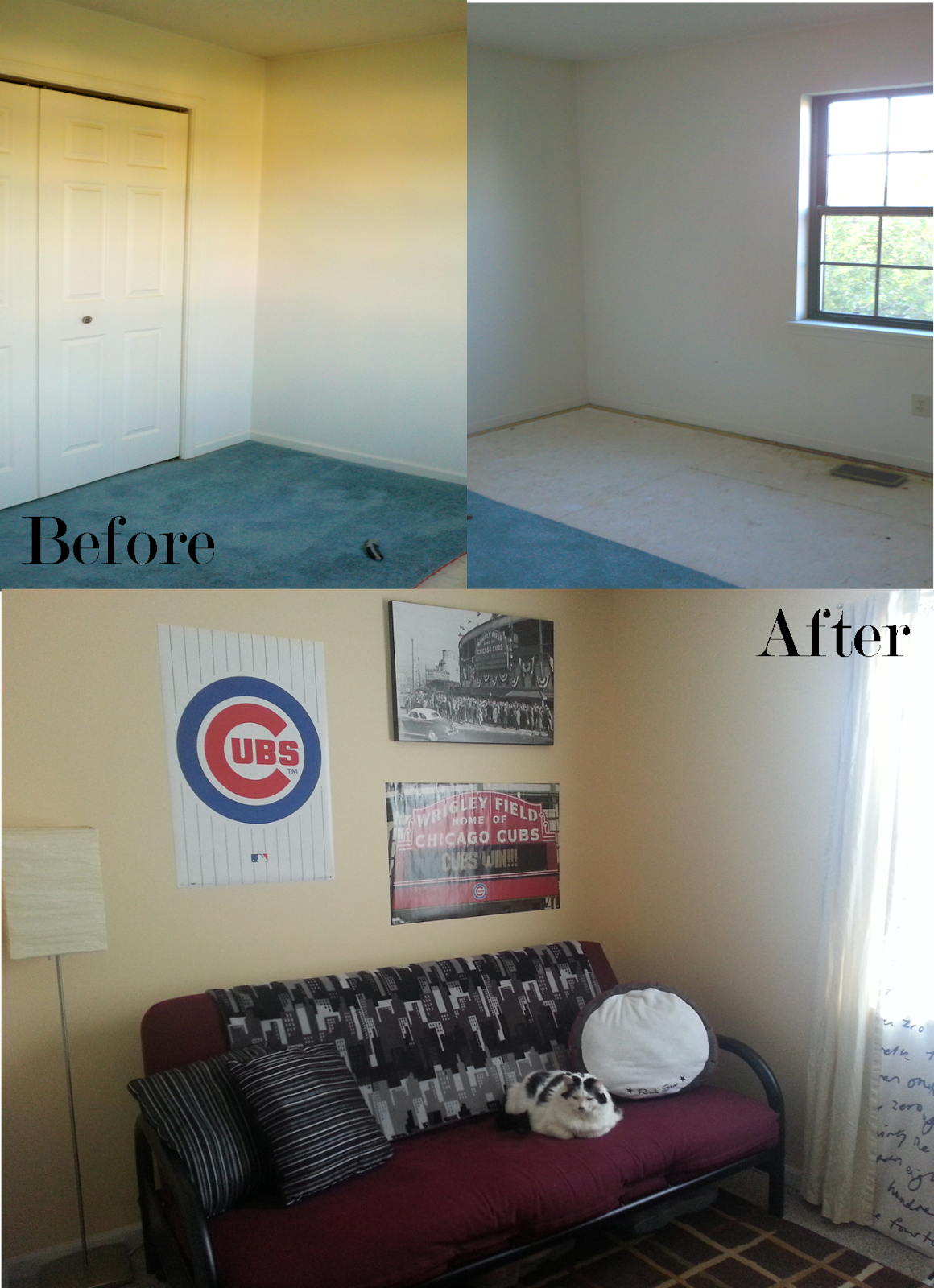
Before and After: Game Room

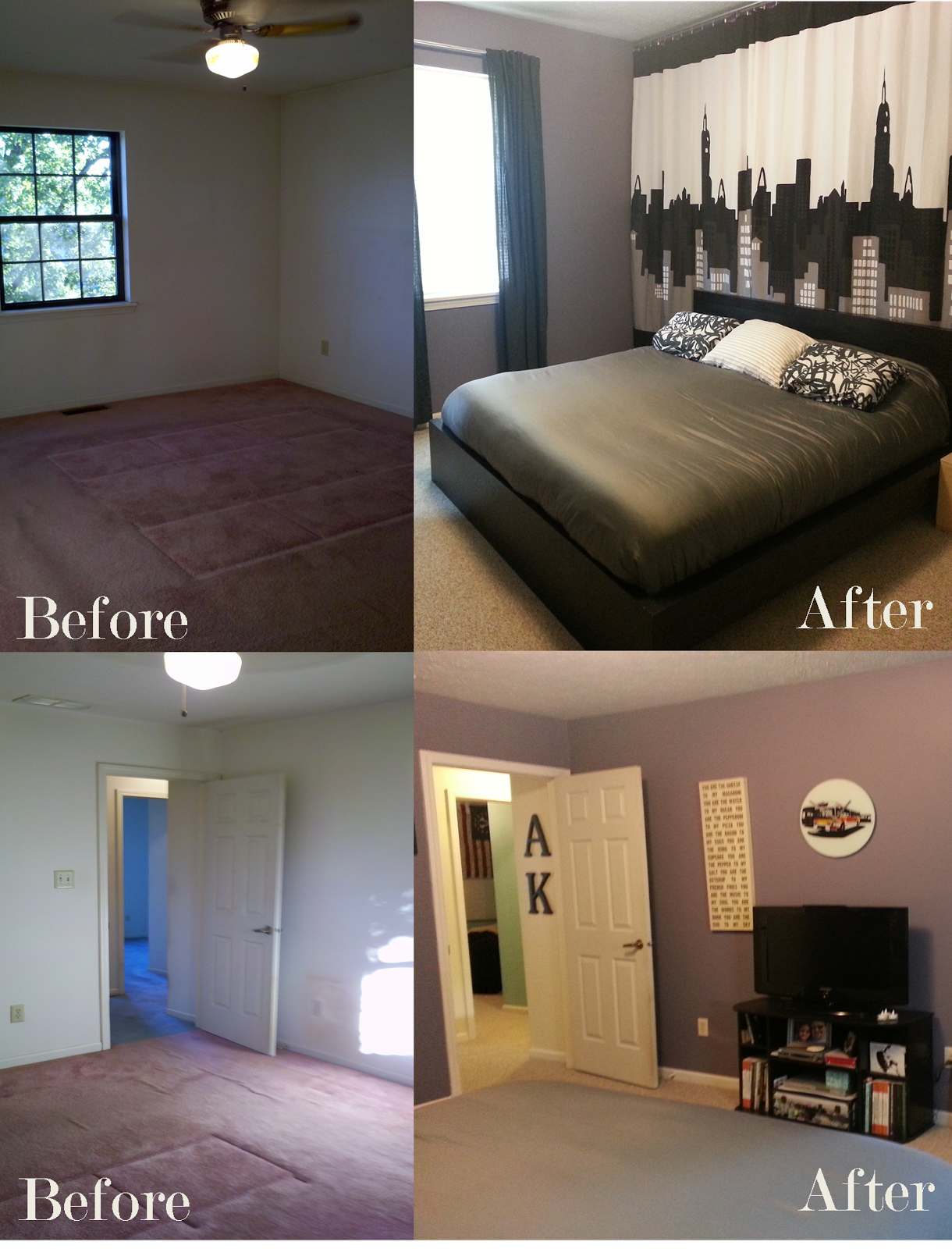
This room was tricky. As I mentioned before, this home was smaller than the last, and trying to find a place for everything was a challenge. We didn’t want to set up our former loft in the living room or family room, because we thought the love sac would look out of place. We combined our guest and office furniture from the last house into our second bedroom, and made the third bedroom into a dedicated gameroom.

It’s a bit cluttered, but in a happy gaming cave kind of way. Though there is no curtain up in the picture, I usually have a blackout curtain over the window. We mounted the TV and hung lots of shelves to get as much space as possible. Our media shelves fit perfectly in the closet, so we were able to store almost all the games and accessories in this room.

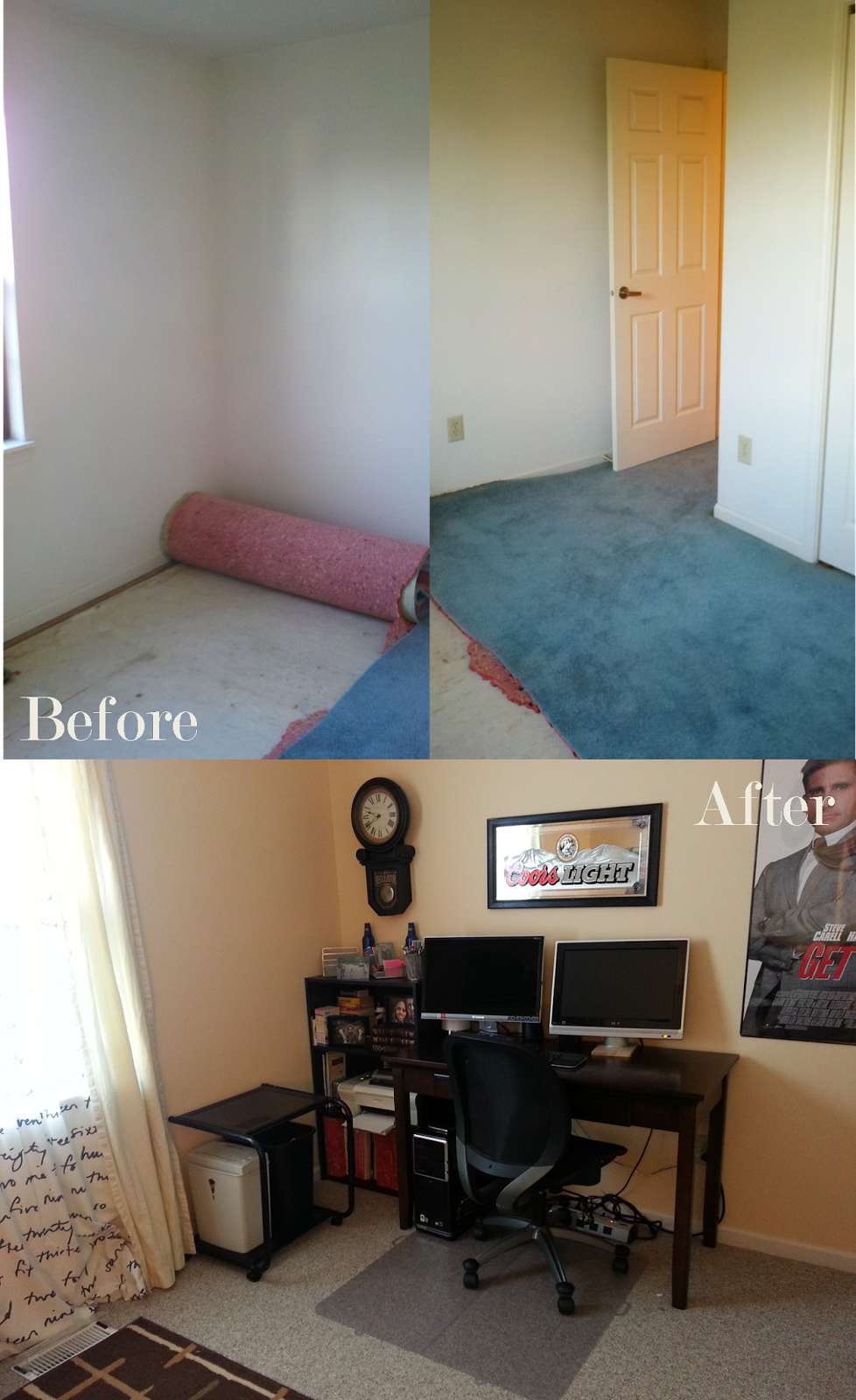
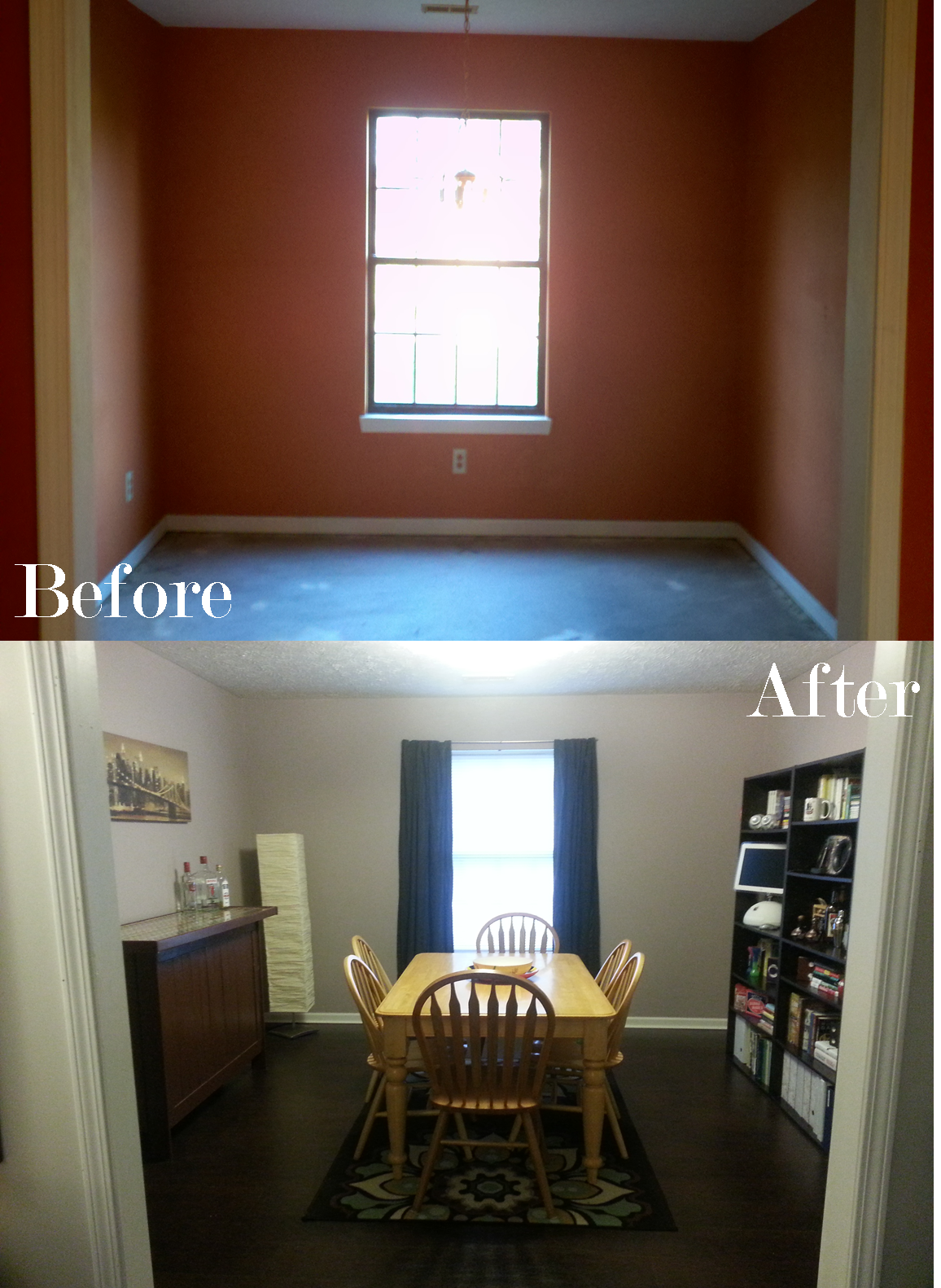
Before and After: Office

The office was the last room to be finished. This room served as temporary storage (aka dumping ground) for everything that was still packed or unused. We got rid of a lot of stuff while living here, as this home was smaller with no storage room. After a few trips to Goodwill, this room was ready to go. (The closet is a different story.) As a side note, I started pulling up the carpet before I remembered to take pictures.

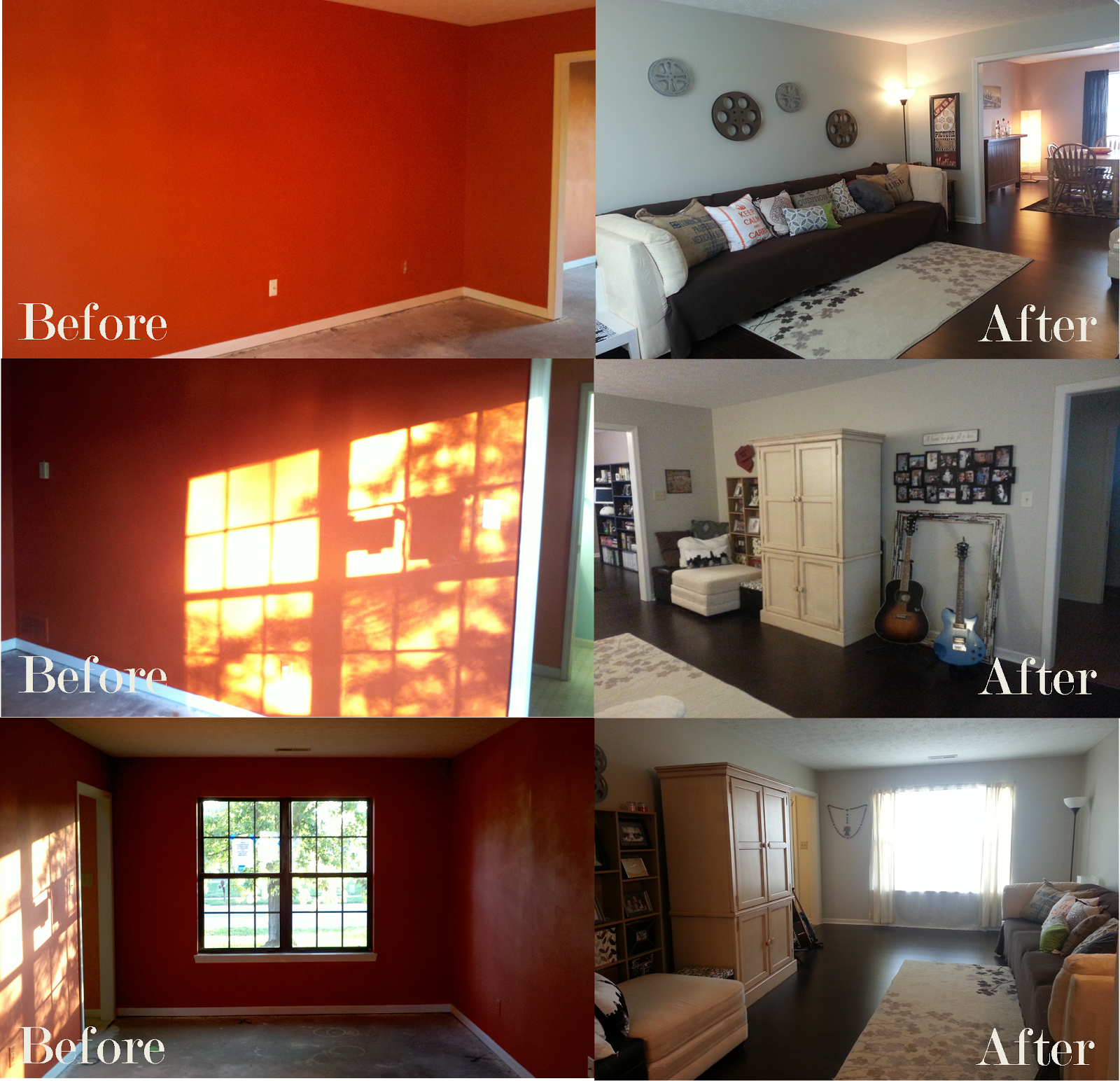
Before and After: Living Room

There’s not much to say about the living room. All the furnishings and decorations came from our last house, so it was a simple room to complete. Unfortunately, we did have to pay someone for one fix. We took off a light switch but couldn’t figure out how to reconnect it, because it was a three way switch with mysteriously colored wiring. After paying an electrician $125 to fix it, we vowed to learn more about home wiring. Here’s what we did:

  • Painted the walls
  • Painted the trim
  • Laid new flooring
  • Replaced the light switch

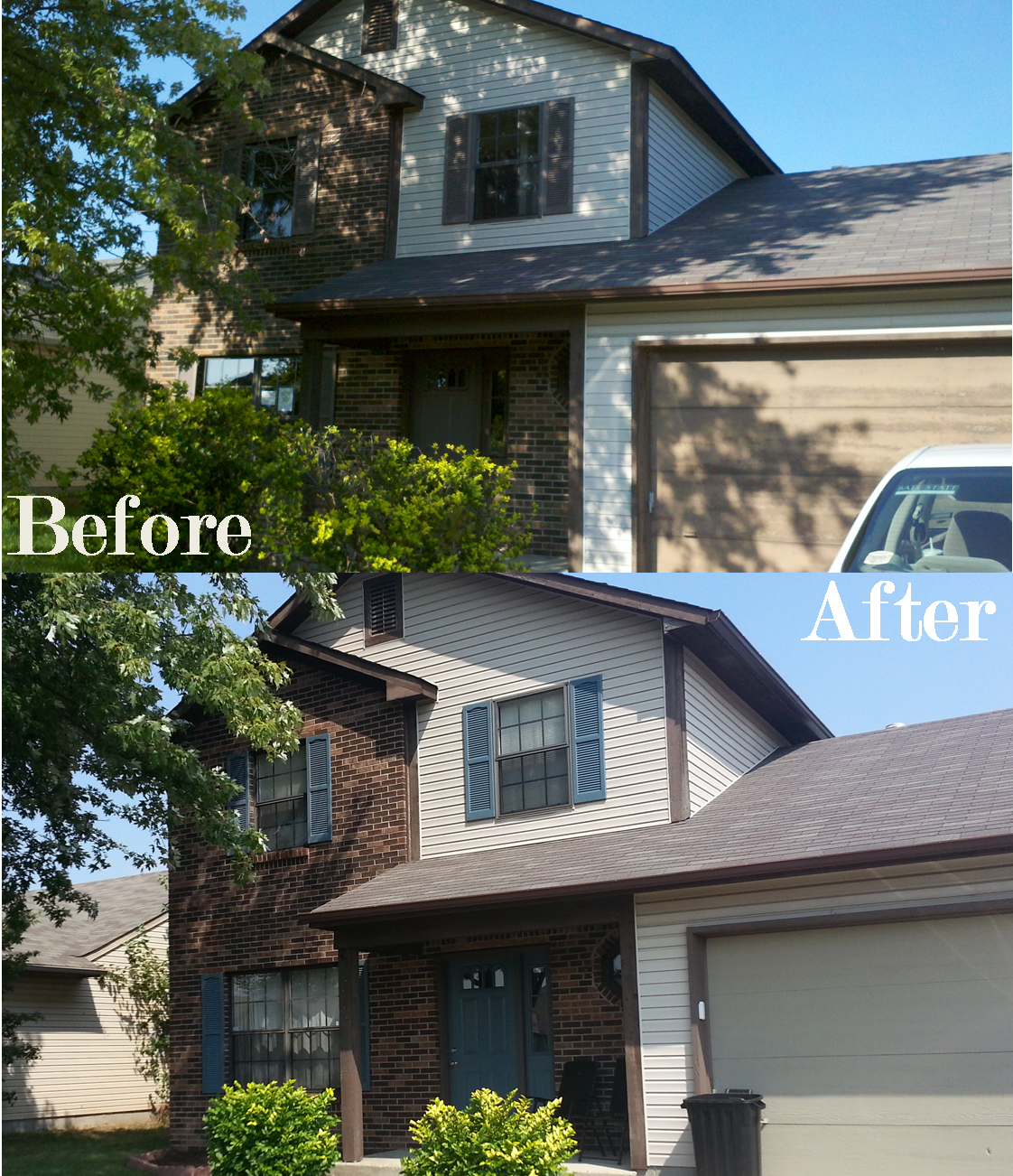
Before and After: Exterior

This is the first of many “before and after” posts about our place. The outside of the house wasn’t awful, but it was a little more work than we imagined.

The pictures are a bit deceptive, as they don’t look that dissimilar. Here’s what we did outside:

  • Trimmed the hedges
  • Trimmed the tree (twice!)
  • Painted the shutters
  • Painted the garage door
  • Painted the front door
  • Spread mulch 
  • Seeded, fertilized, and watered the lawn (a lot)

Moving Xbox 360 Saves

I’ve been busy with everything but gaming for the last few months, but lately I’ve found some time to play. In part, this was sparked by a long time non-gamer friend picking up Skyrim and becoming engrossed. We planned a Skyrim weekend because everyone at Gamenight now had an interest in Skyrim (I’ll post more about Gamenight some other time).

In preparation for Dovahfest*, I was trying to take his save file and move it to a new account so we could play simultaneously. I set everything up (took over his gamertag since I earned most of the 16,000 gamerscore, got his old gamertag on a new live account, etc.) before learning that saves are owned by accounts, and I couldn’t play the old save on the new account.

I went looking for an answer on Youtube, and it told me that it could be done with a program called Modio, a USB flash drive 1gb or bigger, and a spare save file. Here’s how I did it:

  1. Copied the save I wanted to move from the old account “x100tacks” to a 1gb flash drive. (the 360 will prompt you to format the drive before you use it.)
  2. Created a new save for Skyrim on the new account “Northsided” on the same 1gb flash drive.
  3. Used Modio to do the following:
    1. Open both saves in two separate tabs
    2. Paste the profile ID from the new account save to the old account save
    3. Save the old account save to the new account save folder
  4. Re-insert the flash drive in the Xbox and check that the old save now shows the new account name
  5. Copy the file I modified to the hard drive and loaded the game.
  6. Celebrated my victory.

There’s a lot of other shenanigans you can do with Modio, but I stuck to what i needed to get done. Of course, messing about with save file means you can corrupt it. I copied files instead of moving them for this reason, in case something went horribly wrong. Modio makes it pretty simple, but stay sharp!


*speculative title for our weekend