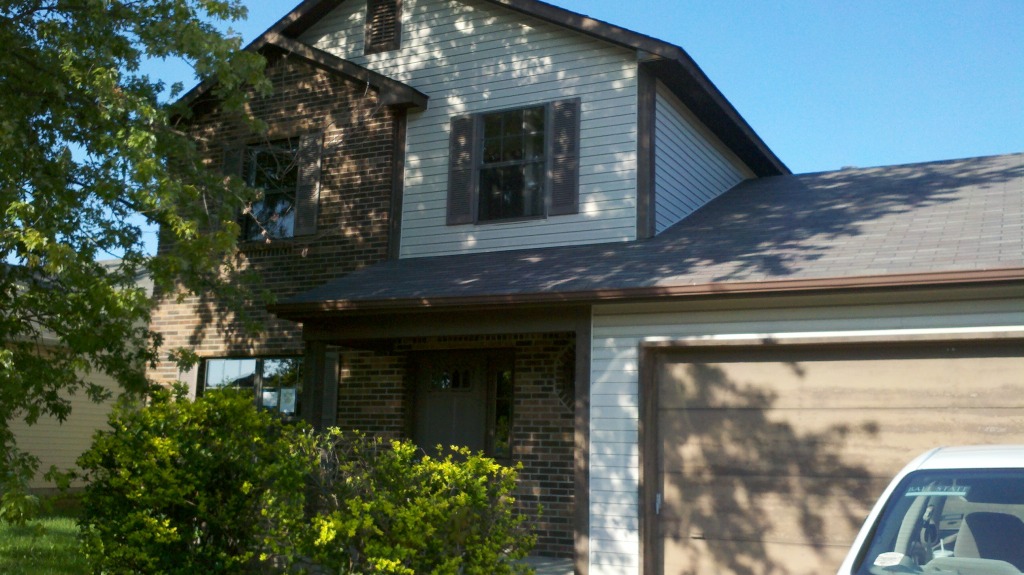
We closed on our new house yesterday at 4pm. We have already torn out carpet, begun removing baseboards and made many trips to the hardware store. We don’t intend to move in until late next week. We are laying new downstairs flooring, painting, and cleaning. We have carpet installers, appliances and miscellaneous servicemen scheduled all through the week. After move-in, we plan to refinish cabinets, bathrooms, and install storage built-ins. I was so excited to rip up the carpet I almost forgot to take before pictures, i’ll post them later.
Year: 2012
Renovation Ideas from Pinterest
I am now an avid pinterest user and have found many great ideas. Here are a few that I’m determined to use in our next home.
We are a week away from closing, and I have been trying to plan out as much of the renovations as possible. We’ve decided on many of the flooring and paint colors, but aren’t buying anything until we have the keys in hand. In this home, the kitchen is open to the family room, which has a fireplace flush with the wall. I would like to build in some storage and also place the tv on this wall, but was reluctant to hang it ovet the fireplace. Much like the picture below, the fireplace is smaller than the tv. I like the look of these built-ins, which give the appearance of a recessed fireplace. Most fireplaces with built-ins have an interior chimney, leaving space to create built-ins flush with the front of the fireplace. I like the way that the fireplace below has tile extending past the built-ins, since it is close to the ground.
I may or may not have a mantle, as I am considering tiling the fireplace to the ceiling, like in this photo:
Despite never building a … well, much of anything before, I intend to not only build out the fireplace, but also the dividing walls between the living room and dining room. Three foot walls on either side create a 7 foot opening, in which i would like bookcases facing each other like these:
On the dining room side, I would like small serving counters and storage. On the living room side, I would like laptop desks with storage, like this:
There’s no actual pantry in the kitchen, just a pantry cabinet next to the refridgerator. To get the most use out of the space, I am going to build or buy a drawer system, like this one:
It’s so easy to search for ideas that it’s hard to resist incorporating them all. Another great site to check for inspiration is houzz. A lot of the home images from Pinterest originate from that website. There are thousands of examples for home design and renovation, and are searchable by keywords. You can create idea books as well, which helps to organize your favorites.
Summer Break
I unintentionally took a summer break from reading. It was nice. But summer’s just about over, so now it’s time to get back to it. Here are a few of the things I intend to check out tomorrow:
maybe not this exact book, but something very similar. I intend to do a few built-ins in the next house since it’s a little smaller than the last.
I’m rather certain that the “in 24 hours” part is a farce, given what I know about Objective-C.
Saw this one in a book store a couple months ago but was too cheap to buy it.
Same story as above, but I might just get this one on Amazon.
Onto the next!
Just a quick (and very tardy) note to say that we sold our house, moved in with parents and found a new place, which we should be closing on next Friday. When we do, I’ll take pictures and upload all the before shots, and resume posing about renovations.
A Bit Distracted
Since the last post:
I stopped programming
we sold our house,
moved all our stuff into storage,
moved in to my old bedroom at the parents house (yes, both of us),
bought all sorts of fun things,
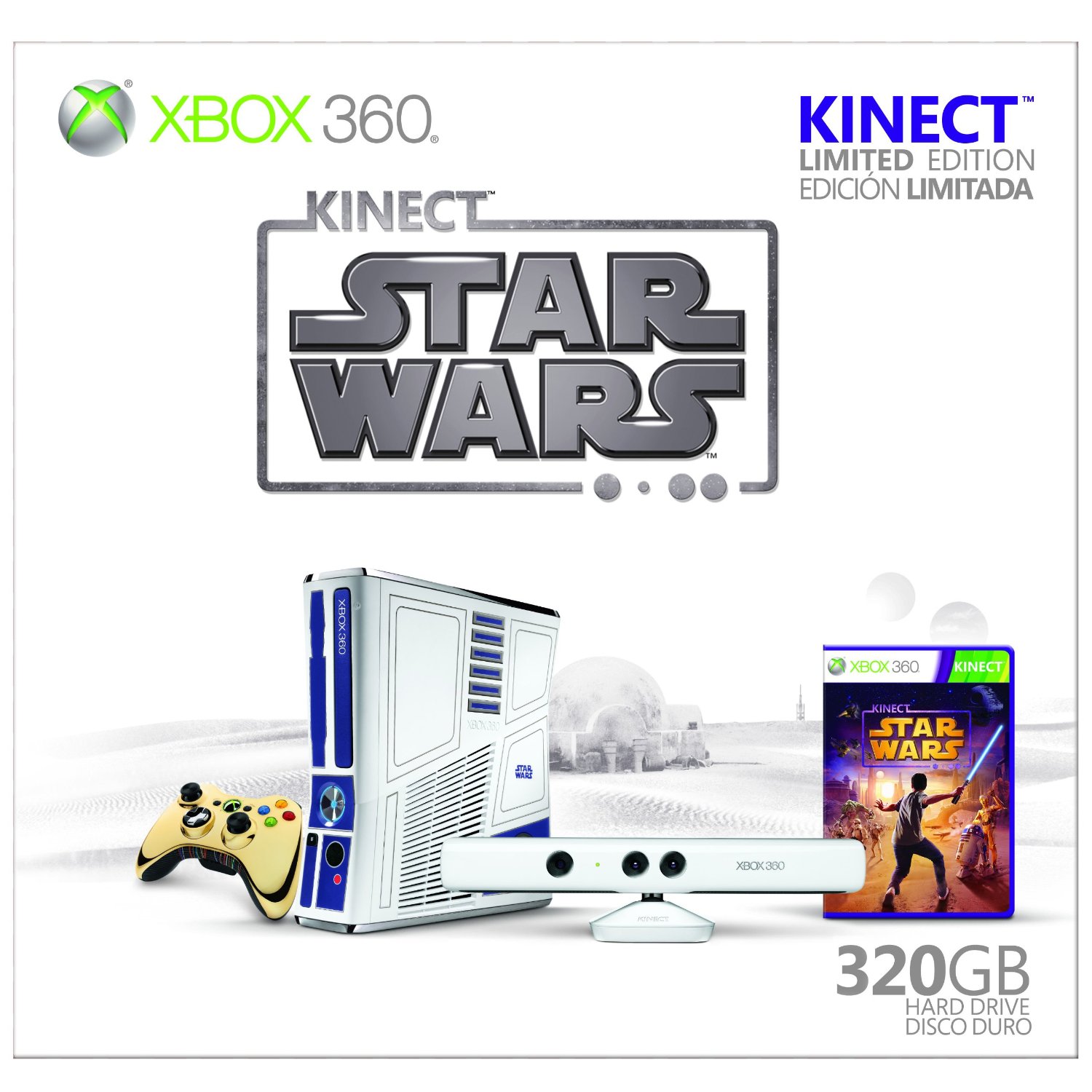
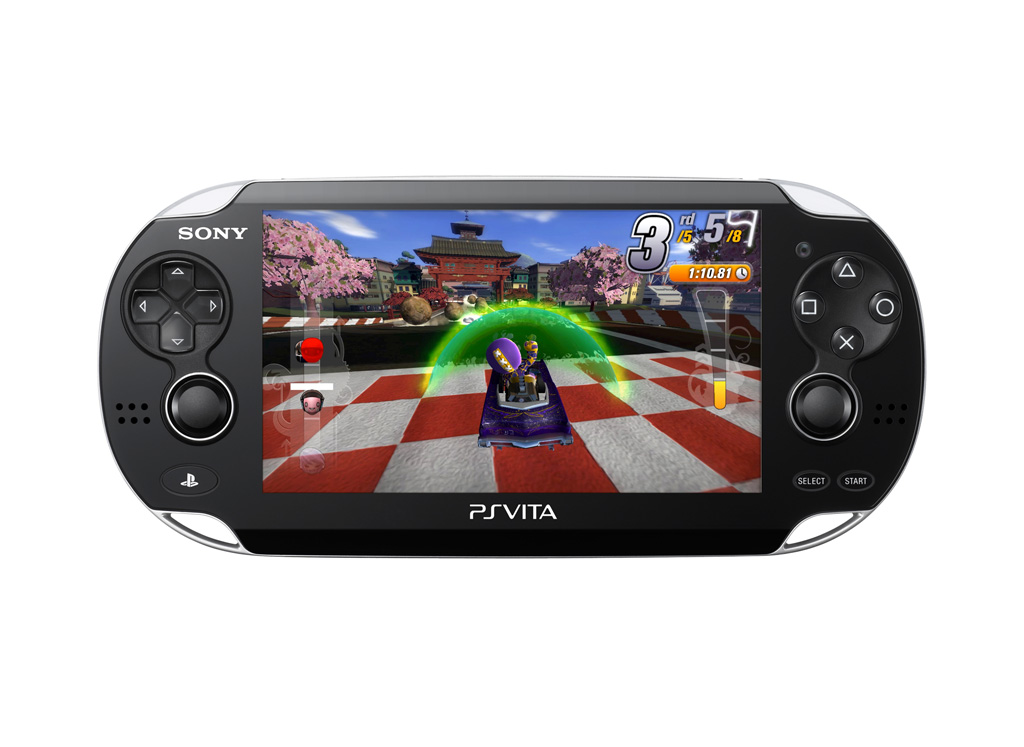
played a lot of Kinect and Mod Nation Racers on PSVita,
helped my mom move her classroom
got hooked on Doctor Who,
went to the gym a lot,
started using Pinterest,
crocheted a blanket for a friend,
and forgot about this blog.
My husband started a blog for his work and I suddenly remembered I have some of those! And as soon as I have something worth posting about, I’ll do just that.
Customize It: Part 2
So far, I’ve only made one customization that involves CSS, which I wrote about in the previous post. Now it’s time to show some of the many tweaks you can make with just a little added CSS.
Shadows:
The shadows, or shading, around different elements of your blog can add depth and grab attention. Shadows can make elements of your page pop out or sink in. This is the code you’ll need, shown here with no values:
-moz-box-shadow: 0 0 0 rgba(0, 0, 0, 0);
-webkit-box-shadow: 0 0 0 rgba(0, 0, 0, 0);
-goog-ms-box-shadow: 0 0 0 rgba(0, 0, 0, 0);
box-shadow: 0 0 0 rgba(0, 0, 0, 0);
To get the desired effect, I have to add the size of the shadow in pixels (px) in the first set of zeros, the color in rgb values the next three zeros, and the opacity as a decimal in the last zero.
-moz-box-shadow: 20px 5px 10px rgba(0, 0, 0, .5);
-webkit-box-shadow: 20px 5px 10px rgba(0, 0, 0, .5);
-goog-ms-box-shadow: 20px 5px 10px rgba(0, 0, 0, .5);
box-shadow: 20px 5px 10px rgba(0, 0, 0, .5);
-moz-box-shadow: inset 5px 5px 5px rgba(0, 0, 0, .5);
-webkit-box-shadow: inset 5px 5px 5px rgba(0, 0, 0, .5);
-goog-ms-box-shadow: inset 5px 5px 5px rgba(0, 0, 0, .5);
box-shadow: inset 5px 5px 5px rgba(0, 0, 0, .5);
The sidebar content in the design I picked for the test blog did not have a border around it or a background. I added a dashed border, rounded corners, and a transparent background to the stuff in the sidebars like this:
webkit-border-radius: 8px;
border-radius: 8px;
goog-ms-border-radius: 8px;
Hover
background: url(http://3.bp.blogspot.com/-4_CzHyG7Q54/T76_xhxyadI/AAAAAAAAAZI/wNAONQ-Uz84/s1600/blogbackground.jpg) ;
}
Simple enough! I edited this image on my own, added it to another post in my blog, then linked to that image on the post. You can link to any uploaded picture, just make sure that it is yours or free for public use.
Customize It: Part 1
I’ve been knee deep in a sea of HTML and CSS lately, trying to learn the ins and outs. After making practice pages on my computer, I thought that I would try to create my own blogger theme from scratch. After looking into it, it seems completely unnecessary. You can edit anything on the page by adding CSS in the Template Designer. In this post I’ll give the steps, in the next post I’ll show all the CSS changes I made on my test blog.
1. Pick the design that is the closest to what you want.
By default, you start out with the first option in the “simple” category. If you like this one, then great! There are a good number of options to pick from, but I admit they look mostly the same. Choose the design that is the closest to what you want. Try not to focus too much on the colors or images, since you can change most of those in the customization options offered in the template designer. I picked the picture window template.
2. Customize using options in Blogger
Choose the Background, Widths, and Layout for your blog. Finally, use the options available under the advanced tab to change colors and fonts. Even though I made a lot of changes, there were still some things I didn’t like. For example, I wanted the header to have a picture instead of a solid color background. It’s possible to change most anything with CSS, as long as you know the name of what you want to change.
3. Get the CSS from your blog
This step can be skipped if you are familiar with CSS. Apply any changes you’ve made, view your blog and right-click on the page. Select “View Page Sorce”, select all text and save it in a text editor (such as Notepad or jEdit, but NOT MS Word). The text will have a mix of markup and code, but you’re looking for just CSS. Scroll until you see this:
/*-----------------------------------------------
Blogger Template Style
Name: Picture Window
Designer: Josh Peterson
URL: www.noaesthetic.com
----------------------------------------------- */
That’s where the template style starts. If you picked a different template, it will say something different but look basically the same. Delete everything above this. As you scroll down, you will see a lot of named variables next:
<Variable name="body.font" description="Font" type="font"
default="normal normal 15px Arial, Tahoma, Helvetica, FreeSans, sans-serif"/>
Group>
Group>
/* Content
----------------------------------------------- */
body {
font: normal normal 15px Cambria;
color: #114499;
}
html body .region-inner {
min-width: 0;
max-width: 100%;
width: auto;
}
<div class='body-fauxcolumns'>
<div class='fauxcolumn-outer body-fauxcolumn-outer'>
<div class='cap-top'>
<div class='cap-left'>div>
<div class='cap-right'>div>
div>
<div class='fauxborder-left'>
<div class='fauxborder-right'>div>
<div class='fauxcolumn-inner'>
div>
Go to the browser’s menu, select “developer tools” and then “inspect”. The page should go dark, and as you roll your mouse across the page, it will highlight the different elements. Since I want to change the header background, I rolled over the header until the entire thing was selected.
Be certain to get the entire section you want to change highlighted. Elements are layered over one another, so selecting the wrong one is easy. when you have it highlighted, it will show a text box on top with its name. In my case, the name is “div#header-inner”.
How Not to Suck at Street Racing Games
I would have picked out a particular series, but I think the basic principles apply to all of them. Street racing games, often referred to as Arcade Racers, are high octane thrill rides taking place in city streets. The responsible ones will warn you that street racing is both illegal and deadly, then go on to spend hours glorifying it. But anyways! Here are some tips for playing these game successfully.
1. Forget Physics
A common frustration that gamers face regarding arcade racers is the independent interpretations of physics. Though differing slightly in each game, removing the rules of physics makes for a better race. You will be going faster than you should, turning faster than you should, and overall defying logic and reason while taking little to no damage. It’s freeing, really.
2. Never Use the Brakes
This is an overstatement, because occasionally you may want to tap them, in order to slide around a corner. Because of the lack of physics, you don’t have to be concerned that you are turning an SUV while going 90. It may seem like the right choice to slow down to a reasonable speed while threading between cars on the digital interstate, swerving from lane to lane as you race toward that glowing yellow smoke, but resist. No guts, no glory.
3. Use Walls to Turn
This sounds counter-intuitive, and it’s not the best way to race, but it can work in a pinch. The way that the cars take damage and accelerate allow you to gun it on a straight away, turn hard but wide, hit the wall, accelerate and stay in the lead. A better strategy is to use a rival car to turn. They are going to (probably) turn responsibly, and they won’t slow you down as much as a wall. Turn tighter than a rival car, sideswipe them to knock your car into the right direction, and speed ahead. It works very often.
4. Crash Early
This is an inconsistent rule, but it’s worth a try. In my experience, older games will have a better success rate. If you flounder at the beginning, running into things and generally sucking, it can slow down the AI of the other cars. This is true in other racing games like SSX as well. Sandbag at the beginning, then race as solidly as you can till the end. I came across this strategy accidentally, as I would be racing so perfectly that the AI seemed impossible to beat. If I happened to crash early on the same course, I found myself winning by a wide margin. Maybe this is coincidence, but it works for me.
5. Don’t Spend Your Money
You’re going to have a lot of it, and a lot of options. Usually you start with a crap car and slowly race against better cars, and therefore require better cars. Regardless of the specific set-up, try your best to avoid buying any cars or upgrading your car until you absolutely must. I have often poured money into a car only to realize that I will need to buy something completely different to succeed in the next race.
…Did I Mention Forget Physics?
I can’t stress enough that you need to boldly try anything that seems vaguely possible, no matter how improbable. Smash through glass walls to take shortcuts through buildings, try pieces of concrete that almost resemble ramps, drive anywhere it will let you drive. Cut through parking lots, parks, and, in Midnight Club 3 Dub Edition, run into trees. You would think this would slow you down, but instead this is the secret to success. The most important rule in street racing is to go fast and win.
Ruth Heller
Ruth Heller is an award winning designer and artist. I can’t say I’ve read any of her books, but she had a series called “designs for coloring”, and the two geometrics entries are favorites of mine. Essentially, they are grown-up coloring books. I first discovered them quite young, and bought a 50 pack of super tip crayola markers to color them. I have recently bought one of the geometric books again, to color again but also display in my house in some sort of artful way that has yet to be decided.
I found out today, after a quick Google search, that she was married and widowed twice, paid her way though college by being a secretary, and pursued art as a lifelong dream. Her first art job wasn’t until she was close to her 40s, and her first book published a few years later. The ones I enjoy so much weren’t published until she was in her late 60s.
Post originally published in a previous blog on 6/12/11
Elder Scrolls Online
I’m not saying they are the best games, but there’s a nicotinian quality to Elder Scrolls. Maybe it’s because you can play for 20 hours without realizing you haven’t done anything for the main story line. Maybe its the inherent random feel of the environment, glitches and all. Maybe it’s the inner hoarder, stuffing cabinets and dressers with every imaginable variation of every item. Whatever it is, Elder Scrolls has it. I purposely stopped playing Skyrim because… well, Its hard to imagine why now, but I know it was the right thing to do. I still saw my family and all that, but I did bring it to Thanksgiving. And maybe Christmas. Anywho, I say all that to say this:
There will be an Elder Scrolls Online. I don’t know when it comes out, I don’t know what it’s about, I don’t know what I will have to pay to play it or how good or bad it will be. And I don’t care to know. Because it doesn’t matter. I don’t care if its not a logically viable decision in hindsight or even foresight, because this is how I feel about the announcement: